
Windows
64-bit
stacher-7.1.12-setup.exe · 178.9 MBDownload Stacher 7.1.12 through the same first-party update endpoints used by stacher.io. Choose your operating system below, wait for the 15-second preparation step, and the official installer will start. This site does not repackage or mirror Stacher.
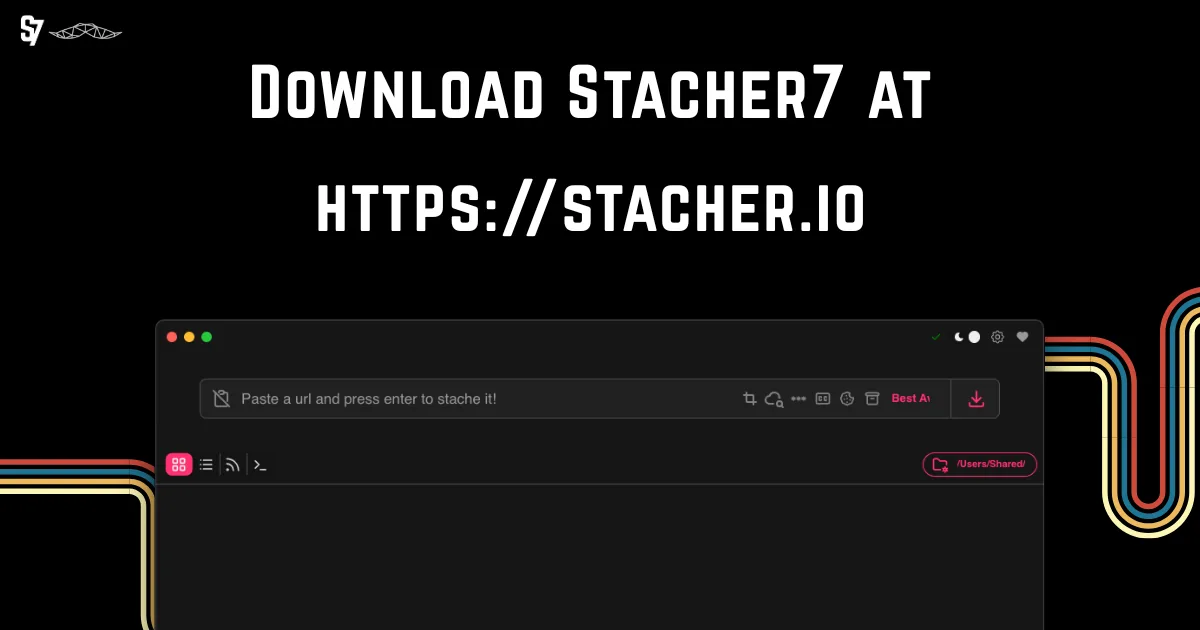
The links below use api.stacher.io and redirect to Stacher's release storage. File sizes and release details were checked on August 22, 2026. Select the build that matches your computer; macOS users should check whether their Mac uses Apple silicon or an Intel processor.
64-bit
stacher-7.1.12-setup.exe · 178.9 MBApple silicon
Stacher_Setup_7.1.12_arm64.dmg · 132.0 MBIntel
Stacher_Setup_7.1.12_x64.dmg · 138.4 MBDebian 64-bit
stacher7_7.1.12_amd64.deb · 97.7 MBNeed to verify a download? Visit the official Stacher download page for checksums and current release information. Open official download details.
Stacher is a desktop graphical interface for yt-dlp. Instead of typing a long command, you paste a supported media URL, choose a format or preset, select an output folder and start the job from a visual queue. The current official description calls Stacher a cross-platform yt-dlp GUI for Windows, macOS and Linux.
A Stacher download for Windows uses the normal setup workflow shown by the operating system, and the installer should still be checked against the current official filename and source. Mac users must choose Apple silicon or Intel correctly, and Debian users should confirm amd64 compatibility. The application behavior is similar after installation, but the packages are not interchangeable.
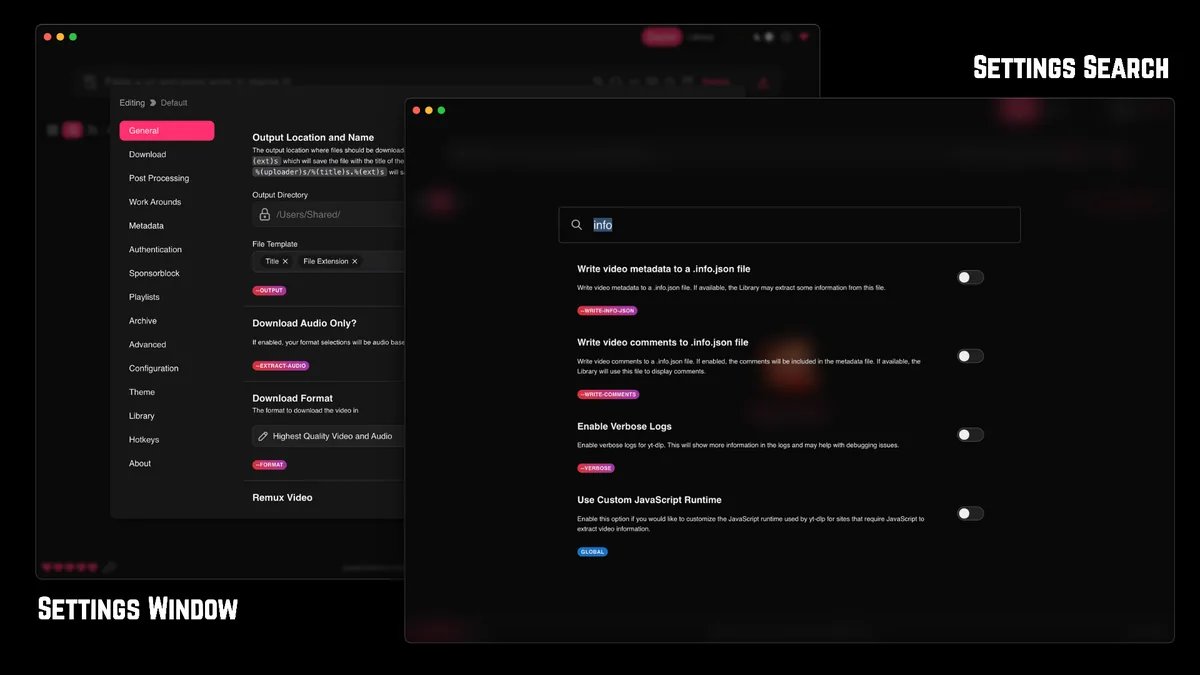
The interface exposes useful yt-dlp controls without hiding every advanced option. You can work with individual videos, playlists and audio-only formats; organize completed files in a library; search settings; choose output templates; add metadata; configure subtitles; and review download logs when a job fails. FFmpeg is commonly needed when separate video and audio streams must be merged or when audio is converted after download.
Stacher does not make every website downloadable. Support depends on yt-dlp, the source website, account access, regional availability and the rights attached to the media. A valid link can still fail when a platform changes its player, requires authentication or blocks automated requests. Keep both Stacher and its managed yt-dlp component updated before changing advanced settings.
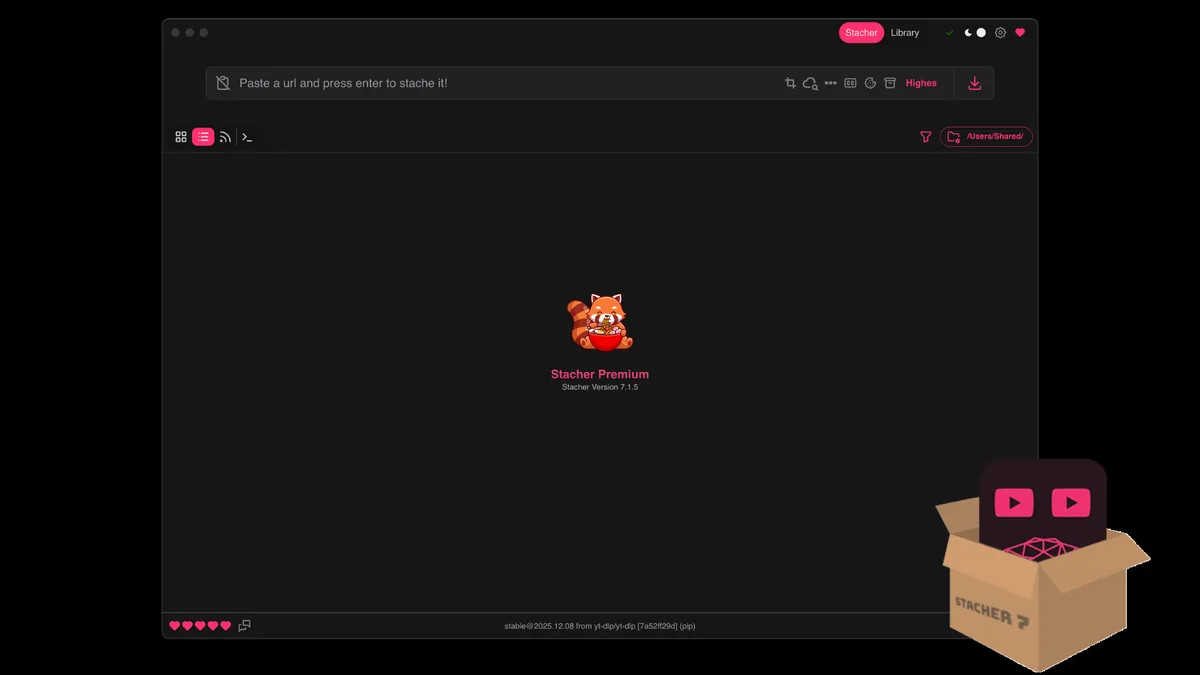
Use the verified platform button above, then follow the normal installer flow for your operating system. The installer itself comes from Stacher's release storage; this site only provides an independent guide and a timed handoff.
Windows users need the 64-bit setup file. On a Mac, open Apple menu > About This Mac and check whether the chip is Apple M-series or Intel. Debian-based Linux systems can use the amd64 package.
Open the downloaded EXE, DMG or DEB file and follow the operating-system prompts. If a security prompt appears, confirm that the filename and source match the official Stacher release before continuing.
Launch Stacher, allow it to check the managed yt-dlp component, and install FFmpeg through the app when your selected formats require merging or conversion.
Open Settings, choose a folder you can find easily, and review the file naming template before starting a large playlist or channel job.
Most Stacher questions are really format or source questions. The following paths separate those intents so you can change the setting that matters without rebuilding an entire configuration.
Paste one supported URL, choose a video-and-audio preset and let Stacher merge streams when needed. Use only videos you own or have permission to save.
YouTube workflowEnable audio-only extraction, choose MP3 for compatibility or M4A/Opus when you want to avoid unnecessary conversion, and confirm FFmpeg is available.
Audio guideUnderstand Highest Quality, H.264 compatibility, frame-rate limits, containers and why the source controls which combinations are actually available.
Format guideReview playlist detection, output templates, archive behavior and queue size before submitting many URLs at once.
Batch guideChoose Apple silicon or Intel, install the verified DMG and fix macOS security, FFmpeg and output-folder issues.
Mac guideChoose the verified x64 EXE, install it safely and fix SmartScreen, FFmpeg, output-folder and Windows path issues.
Windows guideA waiting job does not automatically mean Stacher is broken. First update Stacher and yt-dlp, test one public URL, confirm the output folder is writable, and inspect the job log. Those four checks separate application problems from source-site changes, authentication requirements and local network issues.
Slow downloads can be caused by the source server, throttling, network congestion, VPN routing, concurrent fragments or post-processing. A job that appears slow during merging may already have finished downloading. Check the status text and disk activity before repeatedly restarting it.
The official Stacher site provides Windows, macOS and Linux downloads without an installer purchase. Optional supporter or premium features may be offered separately. This independent site does not sell activation keys.
No. Stacher Download Wiki is an independent help site. Download buttons use first-party api.stacher.io endpoints, and the official product site is stacher.io.
Yes. Paste one supported video URL into the URL field, choose the desired format and start the download. Availability depends on the source and your authorization to save it.
Yes. Enable the audio-only option and select MP3. FFmpeg may be needed for extraction or conversion. M4A or Opus can preserve the source audio without an extra lossy conversion in some cases.
Yes. The verified 7.1.12 release provides Windows x64, macOS Apple silicon and macOS Intel builds. A Debian amd64 package is also available for Linux.
Common causes include an outdated yt-dlp component, a changed source website, authentication requirements, an unwritable folder, missing FFmpeg or a network block. Start with one public test URL and inspect the job log.
Only when the source permits access, the account is legitimately authorized and the download is allowed by applicable terms and law. This site does not provide bypass, keygen or access-circumvention instructions.
Usually not for ordinary listening. WAV is much larger and cannot restore detail that was already lost in a compressed source. Use M4A or Opus to preserve the delivered audio, or MP3 when broad compatibility matters.
Choose the correct platform build, verify the current release facts, and keep yt-dlp updated. For day-to-day use, start with one public URL and a simple preset before changing authentication, post-processing or batch settings.