
Is Stacher an extension or a desktop app?
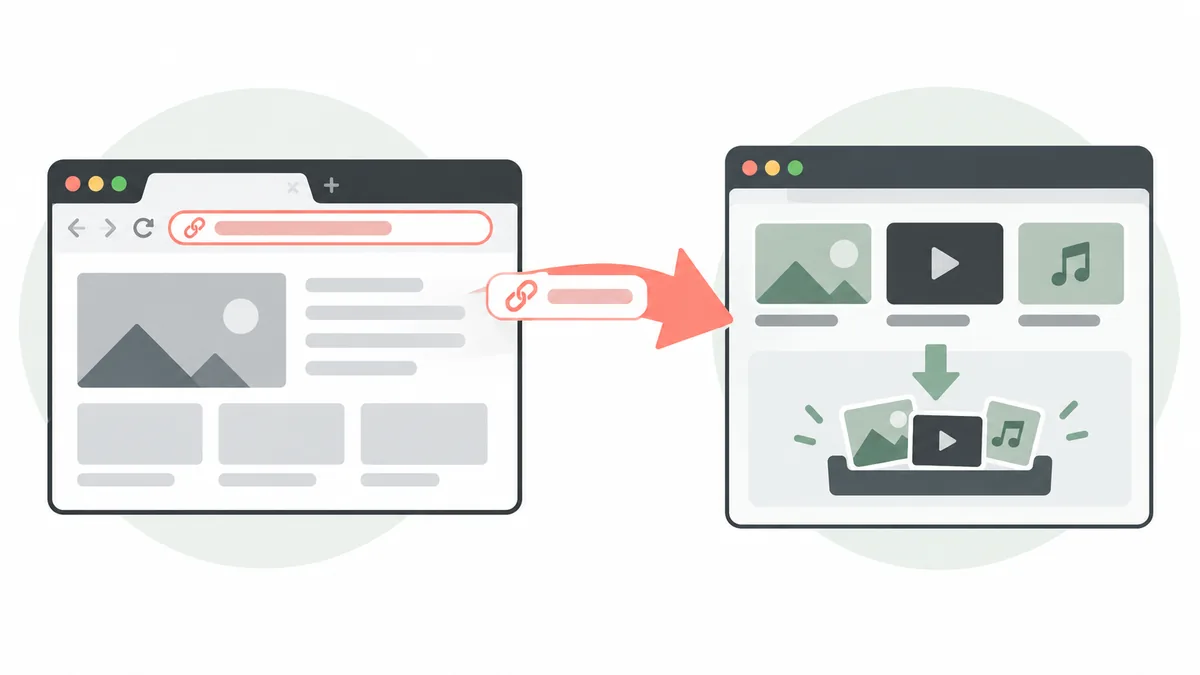
Stacher is best understood as a desktop application around yt-dlp. The official product shell describes Stacher7 as a yt-dlp GUI, and this site documents desktop builds for Windows, macOS and Linux. A desktop app can receive a URL copied from a browser, inspect the source, list available formats and place the finished file in a local folder. That workflow does not require a browser plug-in to be present.
A browser extension is a different product surface. It runs inside a browser, requests permissions for pages or tabs and may add buttons, background listeners or a service worker. An extension can be convenient, but it also has access to sensitive browsing context. Installing a name-matching add-on from an unknown publisher can expose page data, redirect links or deliver a repackaged downloader. The name Stacher alone is not proof that an extension is official.
The distinction also explains why a search for a Stacher extension can be confusing. Search results may mix the official desktop product, community questions, unrelated download tools and extensions that only use similar wording. A safer decision starts with the publisher and the official download path, then checks whether the feature you need already works by copying a link into the desktop app.
| Option | What it does | What to verify |
|---|---|---|
| Stacher desktop app | Accepts a copied URL, selects formats and manages a local queue | Installer source, platform build, output folder and job log |
| Browser extension | Runs in the browser and may read tabs or page content | Publisher, permissions, store listing and update history |
| Online downloader site | Uploads or processes a link on a remote service | Privacy terms, destination, limits and whether the content may be saved |
Only save media that you own, created, received permission to save or may otherwise download lawfully. An extension or desktop app does not change a source site's terms.
What the official Stacher path tells you
The first-party pages checked here expose a JavaScript application whose metadata calls Stacher7 a yt-dlp GUI. They do not provide a stable, verifiable browser-extension listing in the HTML shell. That supports a careful answer, not a claim that every similarly named add-on is malicious or that the product can never add one later.
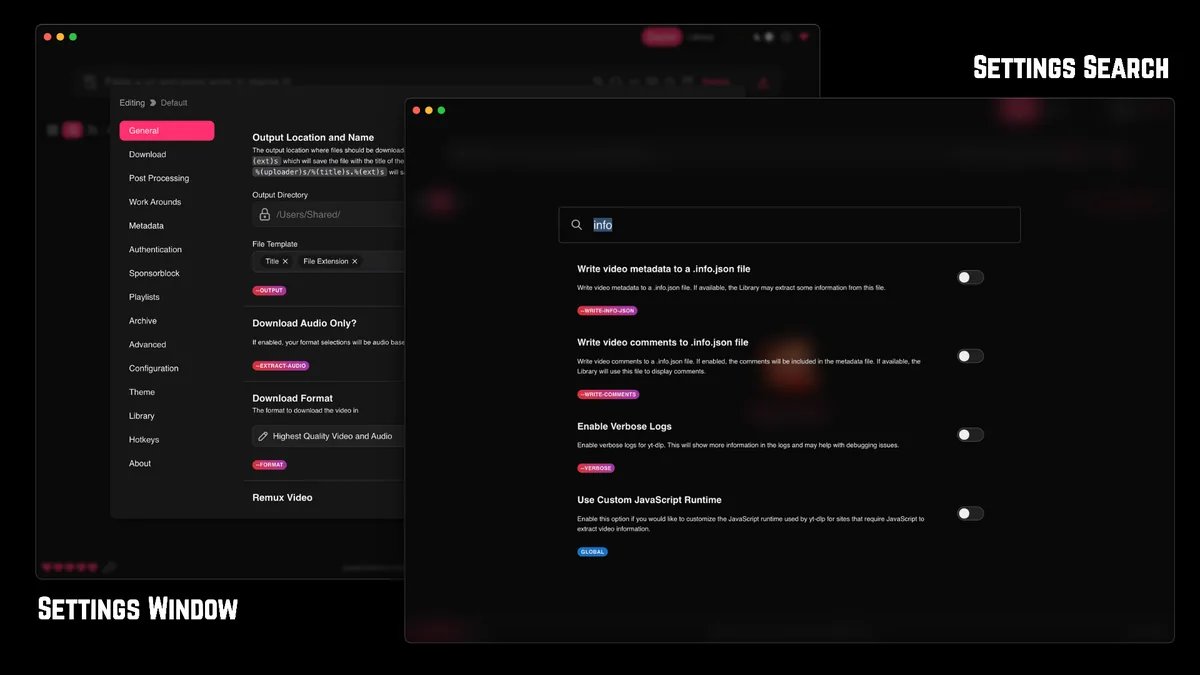
Use the official product site and its documented download endpoints as the source of truth for the desktop application. Compare the publisher, domain, release notes and platform package before opening an installer. If an extension page sends you to a different domain, asks for unusual permissions or promises access to private or paid media, stop and verify the claim independently.
A missing verified listing is useful information: solve the handoff with a normal browser copy action. This keeps permissions smaller and makes input, format selection, output path and logs visible in one desktop app.
- Start at stacher.io or the official Stacher documentation rather than an ad, mirror or download portal.
- Check that the product description, publisher name and operating-system build match the file you are about to open.
- Keep browser extensions limited to identifiable publishers and permissions that match a clear need.
- Do not supply cookies, passwords or private URLs to an extension simply because its name contains Stacher.
The official site is client-rendered, so this guide avoids an absolute product claim. It reports that no verified extension listing was found in the first-party pages checked on October 9, 2026.
How to send a browser link to Stacher safely
The desktop handoff is short and repeatable. Keep the first test simple: use one public URL that you are allowed to save, use the default format, choose a local folder and read the job log. Adding cookies, custom arguments, a proxy and post-processing at the same time makes it impossible to tell whether a failure belongs to the source, the browser session or Stacher.
A copied URL is only an input string. Stacher and yt-dlp still need to interpret the source, find an available format and request the media. A page can load in a browser while automated extraction fails because the source changed, an account is required, the region differs or the selected track is unavailable. The safe workflow makes those states visible instead of hiding them behind an extension button.
- Open the source in your normal browser and confirm that saving the media is permitted.
- Copy the page URL from the address bar; do not copy cookies or session data into a random extension.
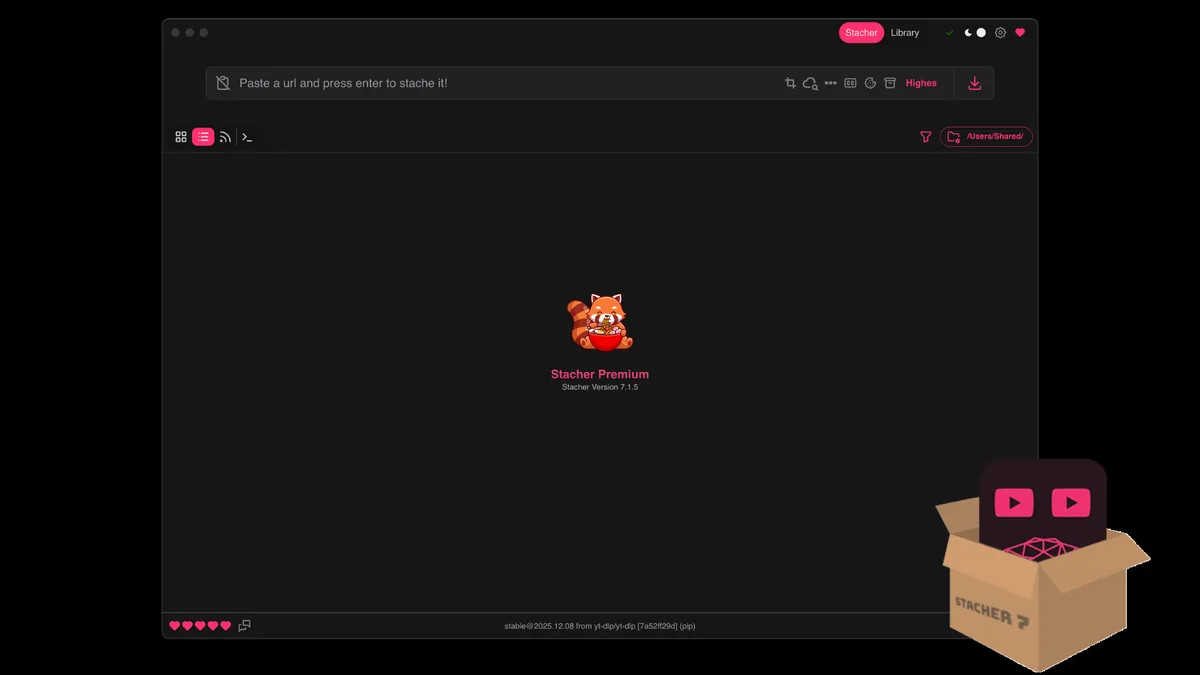
- Open Stacher from the verified desktop installation and paste the URL into its input field.
- Choose a simple video or audio preset, keep the default filename template and select a writable local folder.
- Start one test job and wait for extraction, download and post-processing states.
- Open the detailed log if the job waits or fails. Note the extractor message, format list and final path.
| Stage | Good evidence | Do not assume |
|---|---|---|
| Browser | A public page and a copied URL you are authorized to save | A page that plays in the browser must be downloadable |
| Stacher | The pasted URL, selected preset and writable output folder | A browser button is required for the job to start |
| yt-dlp | An extractor message and an available format list | Every source supports the same formats or account state |
| Output | A final path, playable file and expected metadata | A filename alone proves that the file completed correctly |
For a broader setup, see the Stacher setup guide. For MP3 conversion, review the audio workflow and confirm that FFmpeg is available when conversion or merging is required.
Why extension permissions and cookies matter
Extensions often request access to all pages, tabs or downloads. Those permissions may be legitimate for a clearly documented feature, but they are not a shortcut around source restrictions. A downloader extension that asks for broad access without explaining what it stores, sends or deletes deserves extra scrutiny. Check the publisher, privacy policy, store reviews and update history before installing anything.
Cookies are more sensitive than a copied URL. A cookie can represent an authenticated browser session, and sharing it can expose an account or allow someone else to act as that account. Do not download cookie files from strangers, paste them into an unverified extension or keep them in a shared folder. If a permitted workflow needs authentication, use the narrowest authorized method and remove exported data when it is no longer needed.
Stacher's desktop workflow does not grant permission to save private, membership-only or paid material. Authentication can fail even when the account is valid, and a cookie can expire or trigger a security check. Treat an error as a signal to review access and source rules, not as an invitation to install a more aggressive extension.
- Read the exact extension permissions before accepting them.
- Prefer a copied URL over granting page-wide access when the task only needs a link.
- Never share cookies, passwords, recovery codes or account tokens with a download helper.
- Remove an extension that injects ads, changes search settings or redirects a copied URL.
The existing Stacher cookies guide covers authorized browser-cookie workflows in more detail. It does not turn an unverified extension into an official tool.
Troubleshoot a Stacher link handoff
If pasting a copied link does nothing, confirm that Stacher is open, the full URL was accepted and the output folder is writable. Test one short public URL instead of a playlist or account-only page, then inspect the queue and detailed log before creating duplicate jobs.
For an unsupported URL, unavailable format or signature error, update the managed yt-dlp component and retry with a default preset. Missing executable, merge or codec messages point to FFmpeg. Sign-in or cookie errors require an authorization check, not a random extension.
The desktop app, extractor and post-processing tools own different parts of the job. A simple handoff gives you a useful log and a clear next action.
- Confirm the field accepted the full URL before retrying.
- Test one permitted public item with default settings and a local folder.
- Separate extractor, FFmpeg, disk-space, permission and network errors.
- Remove private URLs and account details before sharing a log.
The general Stacher troubleshooting page covers waiting, could-not-start, network and output-folder failures.
Stacher extension FAQ
Is the Stacher extension official?
No verified official browser-extension listing was found in the first-party Stacher pages checked for this guide on October 9, 2026. The verified product path is the desktop Stacher application for Windows, macOS and Linux. Recheck the official site if the product publishes a new companion extension later.
Can I send a browser link to Stacher without an extension?
Yes. Copy the full URL from the browser, open Stacher, paste it into the input field, choose a simple preset and start one permitted test job. The browser supplies the link; Stacher and yt-dlp handle extraction and download.
Does Stacher work with Spotify?
Spotify support should be treated as a current compatibility and authorization question, not as evidence that a Spotify extension exists. Check current yt-dlp support and Spotify's rules, then read the Stacher log if a permitted test fails.
Should I install a random Stacher extension?
No. Verify the publisher, permissions, privacy policy and first-party references. Never provide cookies, passwords or private URLs to an extension just because its name contains Stacher.