
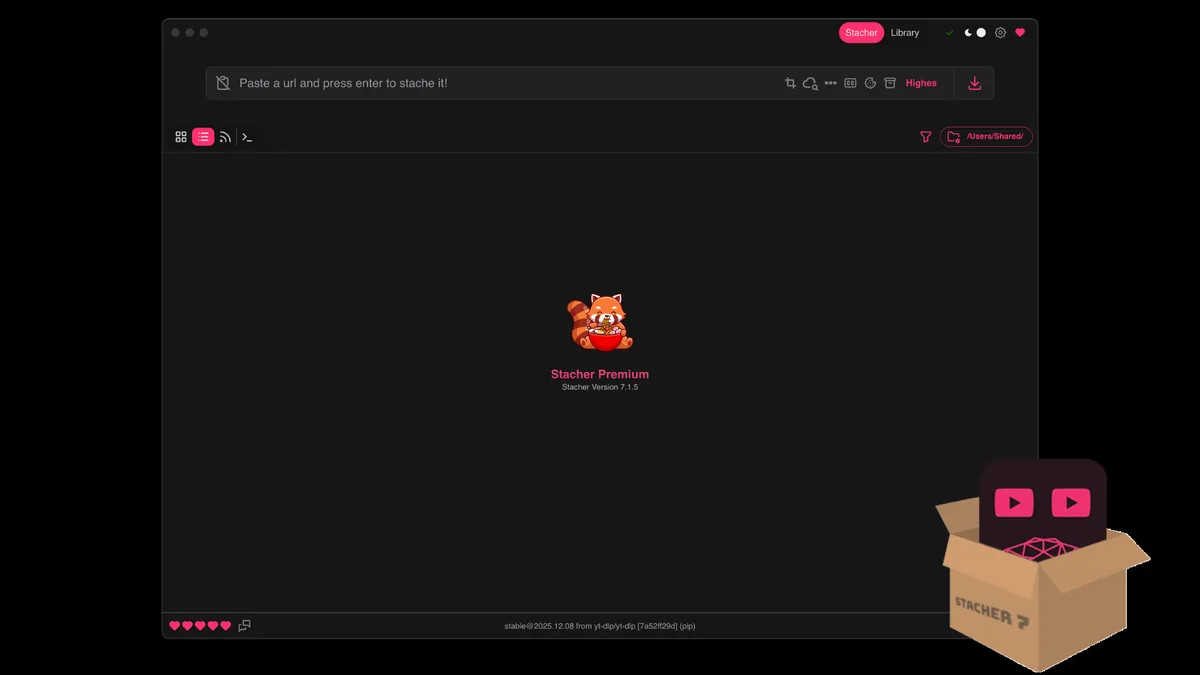
When Stacher 7 cookies help—and when they do not
Cookies are session credentials. They may help when a page plays only after you sign in, when a permitted age check is tied to your account, or when the source requires a normal authenticated browser session. Cookies do not repair a removed video, an unsupported extractor, a blocked region, a broken network, a missing FFmpeg installation, or an unavailable format.
Start with one ordinary public URL using Stacher's default settings. If that succeeds but the authorized account-only page fails with a login or authentication message, cookies are a reasonable next diagnostic step. If the public test also fails, follow the general Stacher not downloading guide first instead of exposing account data.
| Situation | Best action |
|---|---|
| Public page fails too | Update Stacher and yt-dlp, inspect the log, and test networking before cookies. |
| Page works only while signed in | Use cookies from the same signed-in browser profile if saving the media is permitted. |
| Video is private, paid, deleted, or region blocked | Cookies do not grant permission or bypass availability rules. |
| Error mentions Firefox cookie storage | Close Firefox, verify the profile, then retry the browser-cookie source. |
Never download a cookie file from a stranger or paste account cookies into a public support post.
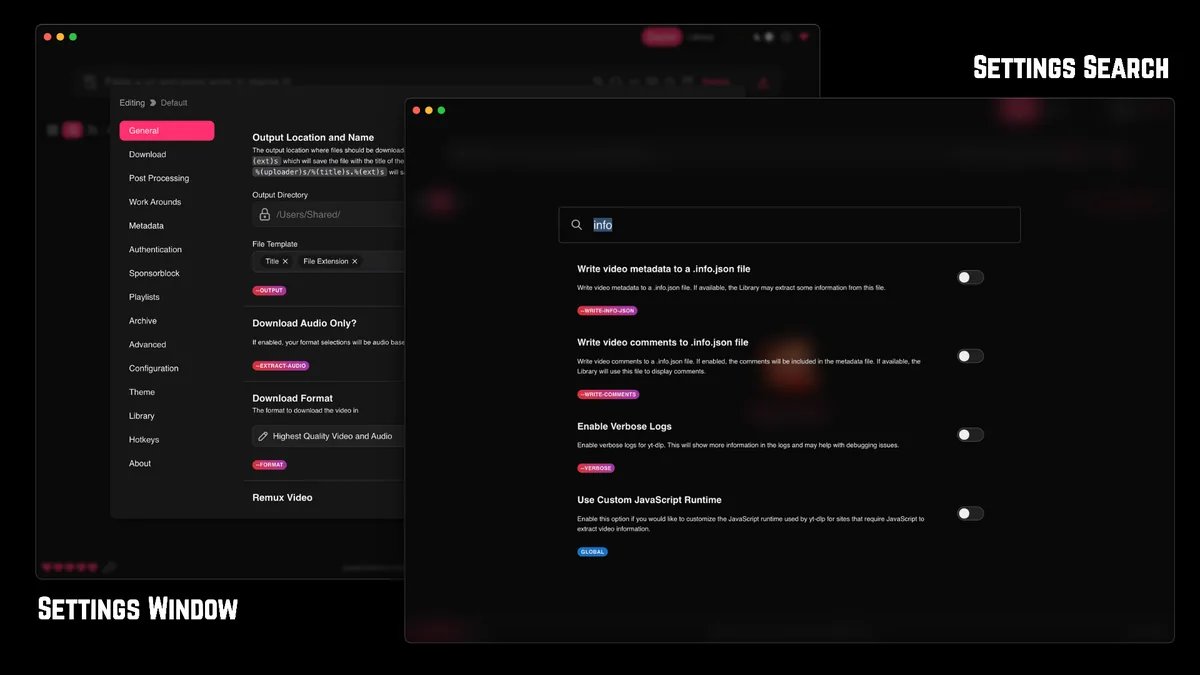
How to add browser cookies in Stacher 7
Use Stacher's browser-cookie option rather than manually copying individual cookie values. Browser extraction keeps the workflow closer to yt-dlp's supported cookie handling and reduces the chance of exporting the wrong domain or an incomplete session.
The exact control label can change between Stacher builds, but the safe sequence remains the same: select the browser and profile that can already open the page, make one controlled test, and remove the cookie source when it is no longer needed.
- Update Stacher and its yt-dlp component before changing authentication settings.
- Open the target page in your normal browser and confirm the signed-in account may access it.
- In Stacher settings, find the cookies or browser-cookie source option.
- Choose the exact browser and profile holding the active session; do not guess between multiple Firefox or Chrome profiles.
- Save the setting and test one permitted URL with a simple format preset.
- Read the detailed log if the request fails and change one variable at a time.
- After the task, disable the cookie source if authenticated downloads are no longer needed.
A browser session can expire or be revoked. A setup that worked yesterday may need a fresh sign-in today.
Fix “could not find Firefox cookies” and profile errors
Firefox can keep several profiles, private windows and locked cookie databases. Stacher may be pointed at a different profile than the one that is signed in, or Firefox may still hold the database open. The error usually means the local session store could not be read; it does not prove that the media itself is downloadable.
Close every Firefox window and wait a few seconds before retrying. Confirm the active profile in Firefox, reopen Stacher, and select that profile again. If the problem started after an update, update both Stacher and yt-dlp before trying a different browser.
Check the actual Firefox profile
A default-release profile and an older default profile can coexist. Use the profile that can currently play the target page while signed in.
Avoid private windows and temporary sessions
Private browsing may not persist the session where Stacher expects it. Sign in through a normal profile for a controlled test, then remove the cookie source afterward.
Treat browser switching as a diagnostic step
If policy permits, testing another supported installed browser can show whether the failure is specific to Firefox storage. Do not move or share cookies between people or accounts.
Do not disable antivirus, browser security, account protections or operating-system permissions globally to make cookie extraction work.
Cookie-file fallback and account safety checklist
A cookies.txt file is a fallback, not the first choice. yt-dlp expects a Netscape-format cookie file, and exports can contain reusable session credentials. Store the file outside shared folders, do not sync it to a public repository, and delete it when the task is complete.
If you share a Stacher log for support, remove cookies, tokens, private URLs, signed media addresses, local usernames and profile paths. A useful report still includes the Stacher version, yt-dlp version, operating system, source hostname, time of test and the exact non-sensitive error line.
- Use only your own account and only content you are permitted to save.
- Prefer browser-cookie extraction over random extensions or downloaded cookie files.
- Never send cookies through chat, email, issue trackers or screenshots.
- Do not commit cookies.txt, browser profiles or logs containing tokens to Git.
- Sign out or revoke sessions if you believe a cookie file was exposed.
- Remove the cookie source after the authorized download is complete.
Cookies authenticate access; they do not change copyright, platform terms, privacy obligations or the content owner's permission.
Stacher 7 cookies FAQ
Why does Stacher need cookies?
Stacher passes download work to yt-dlp. Cookies may be needed when the source requires the same legitimate signed-in session that already works in your browser.
Which browser should I select in Stacher?
Select the installed browser and exact profile that is currently signed in to the permitted source. If several profiles exist, verify the active one instead of choosing the default name blindly.
How do I fix Stacher not finding Firefox cookies?
Close Firefox completely, confirm the signed-in profile, update Stacher and yt-dlp, reopen Stacher, and select the profile again. Test one URL without unrelated custom settings.
Are Stacher cookies safe?
They are sensitive session credentials. They are safer when extracted locally from your own browser, used briefly, never shared, and removed after the task.
Can cookies download private or paid videos?
Cookies only represent the access your account already has. Use them only where downloading is permitted; they do not grant rights or justify bypassing restrictions.