
What counts as a real Stacher alternative?
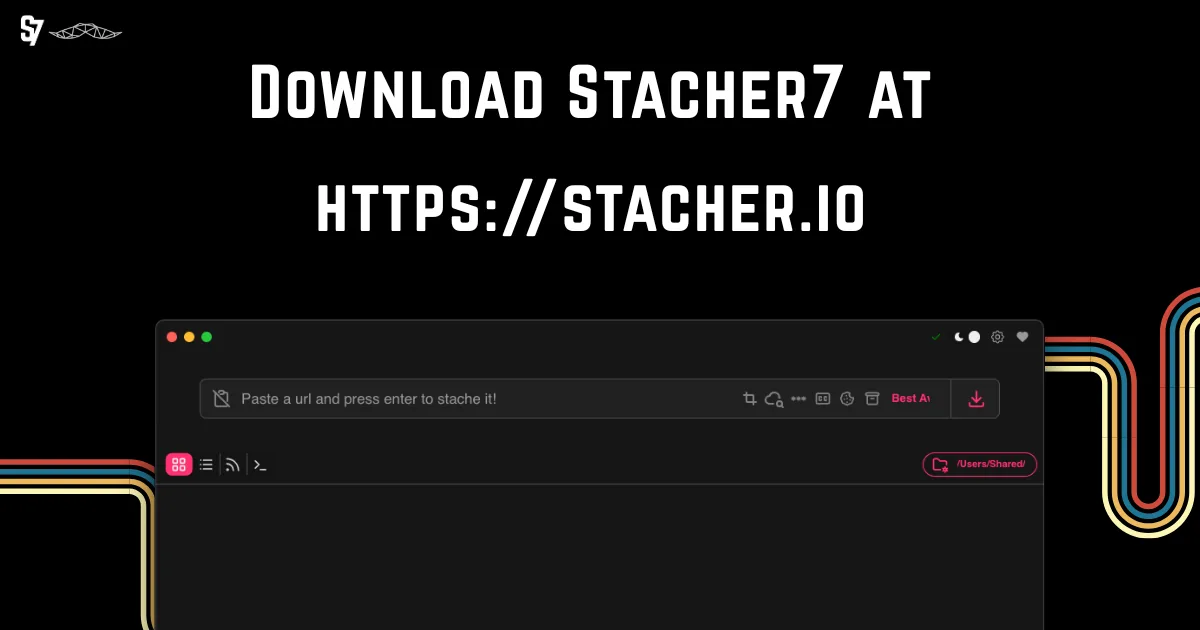
A Stacher alternative is not automatically any site or app that claims to download a video. Stacher is a desktop GUI that puts a supported downloader engine, format choices, output handling and post-processing inside one workflow. A useful comparison must ask whether another option solves the same job with a similar level of control, or whether it is really a different category such as a terminal tool, a browser service or a mobile-only app.
The keyword Stacher alternative usually hides several different decisions. Someone may be looking for a lighter interface, more automation, a better queue, a Linux package, a mobile workflow or a way to diagnose an authentication problem. Those needs should not be merged into one ranking claim. Start with the job, then compare how each route handles formats, subtitles, playlists, cookies, FFmpeg, saved files and updates.
- GUI-first: you want a visible queue, settings and a low-friction first job.
- CLI-first: you need repeatable commands, scripts, logs or scheduled tasks.
- Queue-first: you manage many URLs and care about naming, retry behavior and order.
- Linux or mobile-first: the package, permissions and ecosystem matter more than a familiar desktop layout.
Do not compare by marketing labels alone
Words such as free, fast, 4K or unlimited do not describe the whole workflow. Check what happens when a source needs authentication, when video and audio arrive separately, when a playlist contains one unavailable item, or when a completed transfer still needs FFmpeg processing. A tool that looks attractive on a landing page may be a poor fit if it cannot explain its output path or update process.
For a fair Stacher alternatives comparison, keep a small test plan: one public URL you are allowed to save, one format that does not require conversion, one playlist or queue case if relevant, and one documented post-processing case. Change one variable at a time and keep private cookies, tokens and full authenticated logs out of screenshots or bug reports.
Only save media you are authorized to use. An alternative tool does not grant permission to bypass access controls, paywalls or copyright restrictions.
Compare Stacher alternatives by workflow
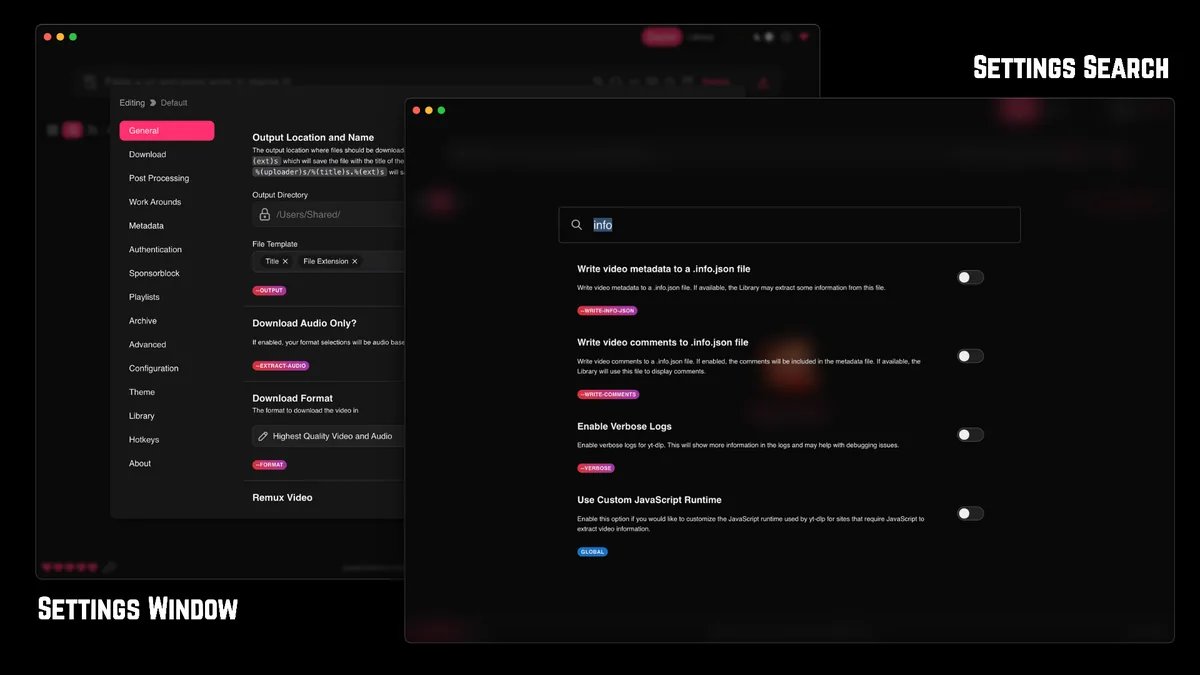
The table below compares categories rather than promising that one program wins every case. Stacher and a queue-first manager may both have a graphical window, but their priorities can differ. yt-dlp is an engine and command-line project, not a one-for-one visual replacement. Linux and mobile options also depend on the package source, device permissions and the interfaces available for the same underlying extraction task.
Use the closest row as your starting point, then verify the official documentation for the exact platform and source you care about. Features and supported sites can change, so a comparison article should help you ask better questions instead of freezing a long list of version-specific promises.
| Workflow | Best fit | What to check before switching | Main trade-off |
|---|---|---|---|
| Stacher-style GUI | Visible settings, simple first-run setup and desktop output | Format control, FFmpeg path, logs, queue behavior and current source support | Less convenient for scripts and unattended jobs |
| yt-dlp command line | Automation, repeatable commands, scheduled work and detailed logs | Shell comfort, update routine, output templates, FFmpeg and authentication handling | More setup and more responsibility for flags and errors |
| Queue-first manager | Many URLs, retries, naming rules and long-running queues | Host/source support, duplicate handling, storage use and package authenticity | A larger interface can add complexity or hide the underlying error |
| Linux or mobile route | A device-specific package, terminal workflow or Android-oriented setup | Repository or official source, architecture, permissions, updates and format limits | Support and UI consistency vary more by device and project |
Why yt-dlp is related but not identical
yt-dlp is often the most relevant technical alternative because it provides a command-line extraction workflow and is also the engine concept many GUI applications build around. That makes it a strong choice for users who want scripts, repeatability and explicit logs. It is not identical to a desktop GUI: you must choose commands, output templates and post-processors yourself, and you need to understand how updates affect a job.
If you only need to understand the engine inside Stacher, the existing Stacher yt-dlp guide is a better target than this comparison page. Link there for engine-specific setup; keep this page focused on the decision between workflows.
A related keyword is not automatically a new page topic. Generic YouTube downloader and online downloader terms were rejected here because their search intent is broader than a Stacher workflow comparison.
Choose by the problem you are trying to solve
If Stacher already completes your permitted jobs and your frustration is one setting, an alternative may add more maintenance than value. Read the existing guides for formats, download speed, playlists, cookies and general troubleshooting before replacing the whole workflow. A focused repair is often safer than importing a new application, new package source and new authentication method at the same time.
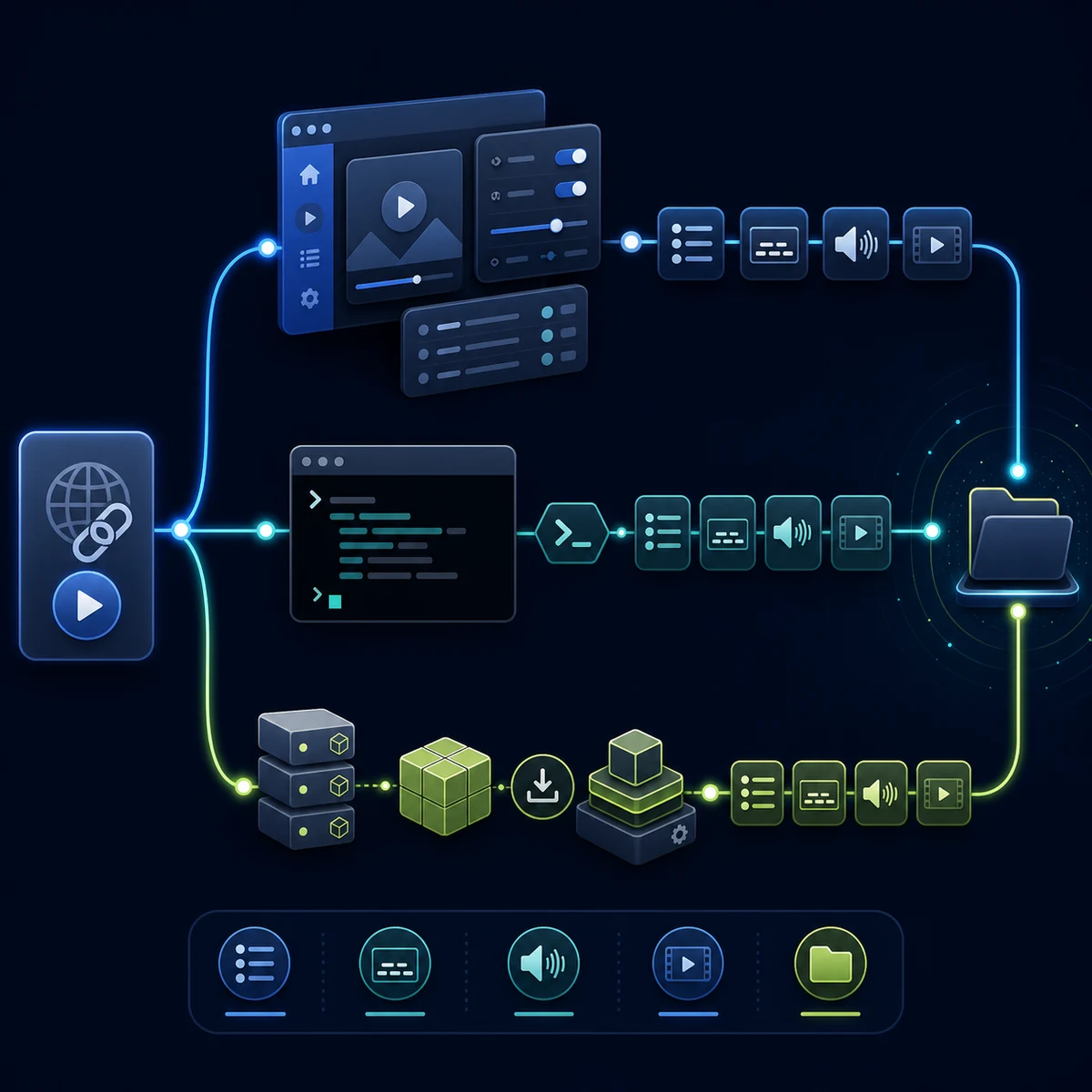
If you do need a change, write down the exact reason in one sentence. “I need scheduled commands” points toward a CLI workflow. “I need to review and reorder a large queue” points toward a queue-first manager. “I need a package that matches my Linux architecture” points toward the project repository and package policy. This simple statement keeps the comparison from drifting toward generic popularity.
- Name the bottleneck: interface, automation, queue control, platform support, formats, authentication or post-processing.
- Run one permitted public test URL with the current workflow and record the first specific error or missing capability.
- Choose one alternative category that directly addresses that bottleneck instead of installing several unrelated tools.
- Check the official project page or repository for platform, architecture, release and update information.
- Repeat the same small test, then compare the output filename, format, destination and log clarity.
- Keep the working Stacher install until the replacement has passed the cases you actually need.
When a GUI is still the better choice
A graphical workflow is usually the better fit when you want to see the queue, change a format without remembering flags, inspect a destination folder or hand the task to another authorized desktop user. The trade-off is that the GUI may expose fewer automation controls, and its managed engine can have a separate update cycle from the app itself.
Before switching because a job is slow, check the source page, the selected format, network limits, concurrent jobs, disk activity and FFmpeg processing. The existing Stacher download-speed and formats guides cover those boundaries. Replacing the app will not make a blocked source or a slow disk behave differently by itself.
When a CLI or queue-first workflow is worth the cost
A CLI route earns its extra setup when the same command must run repeatedly, be documented for a team or be scheduled on a machine. A queue-first application earns its extra surface area when naming, retries and long lists are the main problem. In both cases, the benefit comes from a repeatable process, not simply from installing a second downloader.
If a replacement cannot show where it saves files, how it reports an extractor failure or how it updates its components, pause before moving a large queue. The time saved by one click can disappear during recovery from an opaque error.
Make the comparison test reversible: keep a known-good output folder, do not overwrite your only copy of a media file, and change one tool or setting at a time.
What to check before switching
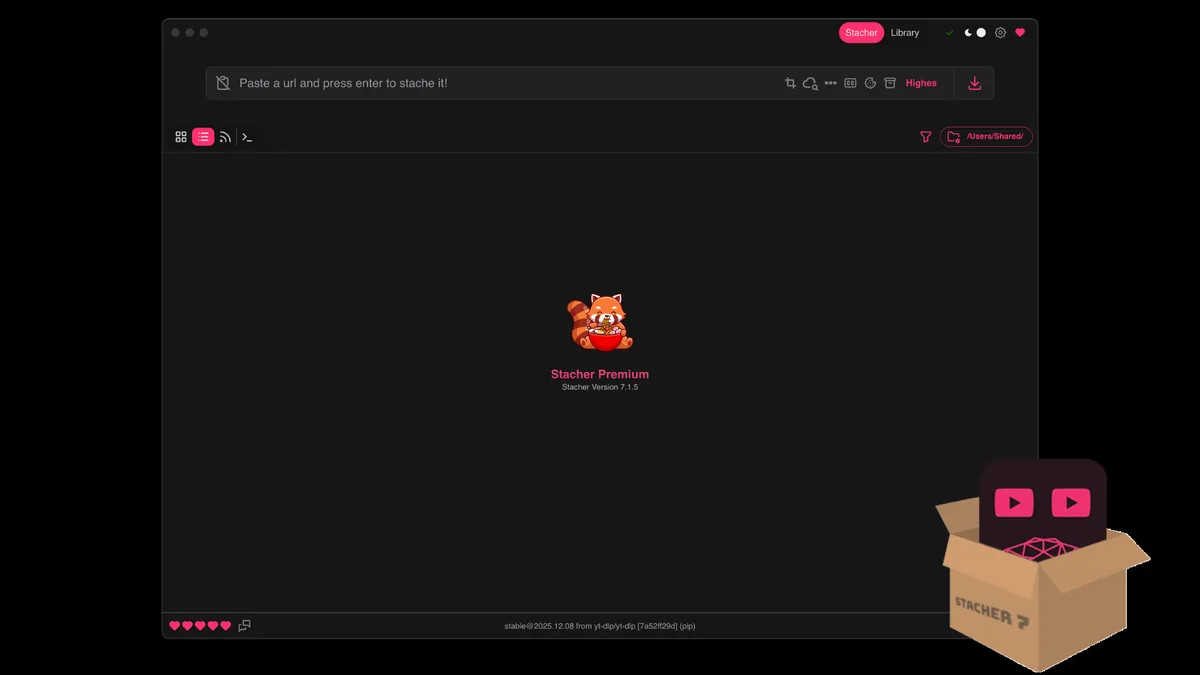
Source and package hygiene come before feature lists. Use the official project page, repository or documented release channel for a replacement. Confirm the package matches your operating system and architecture, and avoid a mirror that cannot explain its publisher, filename or update path. The same caution applies to browser add-ons, scripts and container images: a familiar name is not proof that a copy is authentic.
Authentication needs extra care. Cookies and tokens can grant account access, and they should be treated like credentials. Do not upload a cookies file to a web service just to test an alternative, paste a full authenticated log into a forum, or leave private headers in a shared script. If a workflow needs login, read its documented storage and removal behavior first and use an account and source you are authorized to access.
- Open the official source and record the project name, platform, architecture and checked date.
- Confirm whether the package is a GUI, command-line engine, queue manager or browser service.
- Check output formats, subtitle behavior, playlist handling, FFmpeg needs and destination permissions.
- Review how the project handles updates, errors, logs and removal of saved credentials.
- Test a public permitted URL without cookies, custom proxy settings or private arguments.
- Delete temporary credentials and keep only the output and logs that are safe to retain.
- A 403, login wall or missing source documentation is a reason to stop and investigate, not to guess a CDN URL.
- Do not describe a third-party file as official, safe or scanned unless a verifiable source supports that exact claim.
- Do not use a replacement to bypass a paywall, access control or a site's terms.
What if the problem is only cookies or subtitles?
A narrow authentication or subtitle problem is not enough to prove that Stacher is the wrong tool. Check the existing Stacher cookies guide and troubleshooting guide first, then test a public URL without account data. If the task succeeds without cookies, the issue is probably access context rather than the basic downloader workflow.
For subtitles, separate source availability from post-processing. Automated captions may not be exposed in every language, and a selected format may require additional processing. Compare the exact log and output rather than assuming that a different app has access to a source that the source itself does not provide.
The safest comparison is one that keeps private data out of the test. Treat cookies, tokens, URLs and logs as sensitive until you have removed account context.
When staying with Stacher is better
Switching is not automatically an upgrade. If you prefer a visible desktop workflow, already understand your output folder and only need a format or speed adjustment, the existing Stacher guides may solve the problem with less risk. Keeping one known-good application also makes it easier to tell whether a future failure comes from the source, the network, the downloader engine or post-processing.
Use this page as a decision aid, not as a reason to collect every downloader. A focused comparison, one controlled test and a clear rollback path are more useful than a long list of unverified alternatives. If you decide to stay, return to the setup, format, yt-dlp and troubleshooting guides linked below.
- Stay with Stacher when the GUI and current platform support already fit your job.
- Try a CLI when repeatability and automation outweigh interface simplicity.
- Try a queue-first manager when naming, retries and many URLs are the real bottleneck.
- Investigate a Linux or mobile route only when its source, package and update path are clear.
The right Stacher alternative is the one that solves a documented problem while keeping sources, permissions and maintenance understandable.
Stacher Alternatives FAQ
What is the best Stacher alternative?
There is no single best choice. Keep Stacher in the comparison for a desktop GUI, choose yt-dlp for scripts and precise commands, and consider a queue-first or platform-specific route when queue control or device support is the actual problem.
Is yt-dlp the same as Stacher?
No. yt-dlp is commonly used as a command-line downloader engine, while Stacher provides a graphical workflow around supported downloading and post-processing tasks. They are related, but the setup, controls and maintenance responsibility are different.
Should I switch because Stacher is not downloading?
Not immediately. First test one permitted public URL, update the managed engine when appropriate, check the output folder and read the first specific log error. The Stacher troubleshooting guide may resolve a source, authentication, permission or FFmpeg issue without replacing the app.
What is a good Stacher alternative for Linux?
Start with the official project source and choose a workflow that matches your distribution and architecture. A Linux alternative may be a CLI tool, a package-based GUI or a different device workflow; verify package freshness, permissions, formats and update instructions before installing it.
Are online YouTube downloaders a direct alternative to Stacher?
Usually not. An online service changes the privacy, authentication, file-handling and source-support model, and it may not provide the queue, logs or local post-processing you expect from a desktop app. Treat it as a separate category and read its terms before uploading a URL or account data.
Can I reuse Stacher cookies in another downloader?
Only when the workflow and source policy explicitly support it and you are authorized to access the account. Cookies are credentials: do not upload them to an untrusted service, publish them in a log or leave them in a shared script. Test without authentication first whenever possible.
How should I compare two Stacher alternatives?
Use the same permitted public URL, format, output folder and test conditions. Compare the final file, log clarity, queue behavior, subtitle or post-processing result and update path. Do not judge only by a feature list or a random mirror's download button.